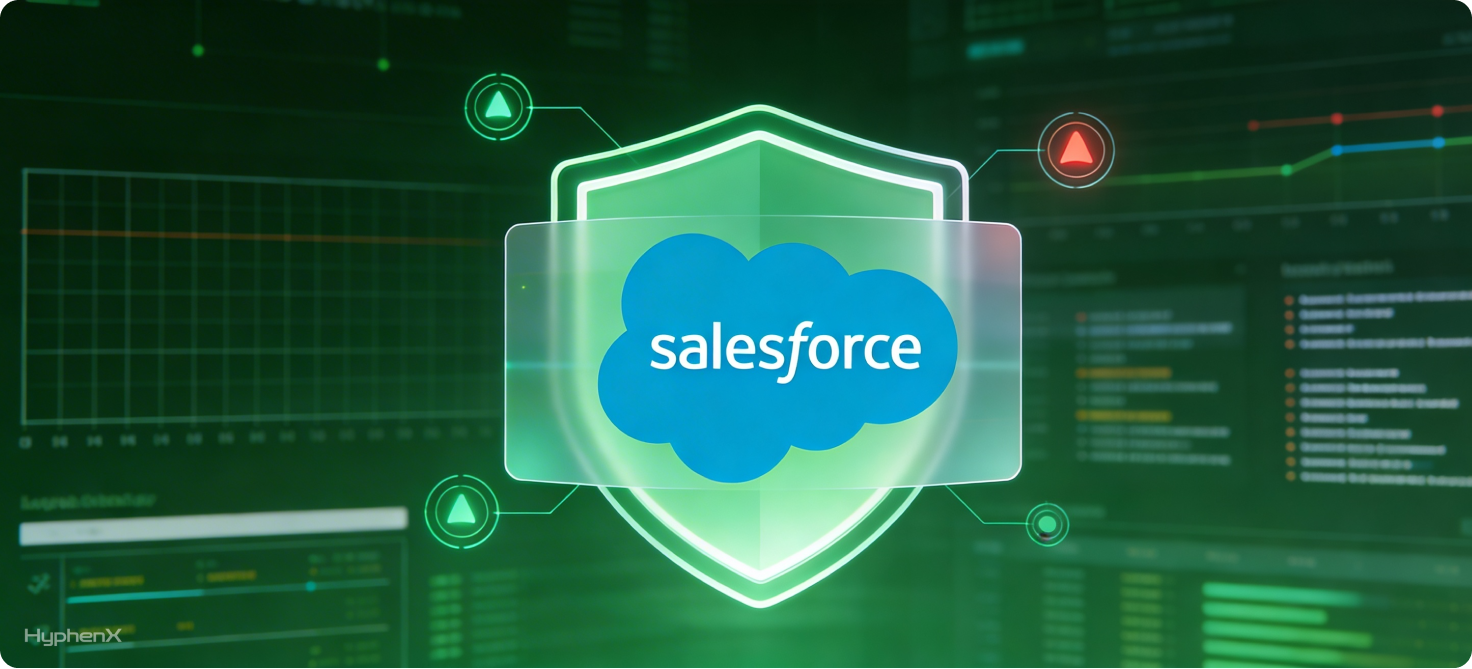
Salesforce has evolved from a CRM platform into a core system of record for revenue, customer data, and operational workflows. That shift brings significant responsibility. As organizations scale, security concerns move beyond external threats toward insider risk, data misuse, and compliance accountability. This is where Salesforce Shield Event Monitoring becomes strategically important. Many companies invest in Event Monitoring but struggle to translate the data into meaningful protection, actionable alerts, or audit confidence. Raw logs alone do not improve security posture — interpretation, governance, and automation do. Organizations that succeed treat monitoring as a business capability, not just a technical feature.
Understanding what to track, how to alert intelligently, and how to align monitoring with compliance expectations can transform Salesforce from a potential risk surface into a defensible, audit ready platform.
What Salesforce Shield Event Monitoring Actually Provides (Beyond the Basics)
Salesforce Shield Event Monitoring captures detailed logs of user activity and system interactions across the platform. These logs provide visibility into who accessed data, when, how, and from where — information essential for both security operations and regulatory compliance.
Commonly captured event types include:
- LoginEvent — authentication attempts, success/failure patterns, IP addresses, geolocation indicators
- APIEvent — integrations, automated processes, bulk data transfers
- ReportEvent — report execution and export activity
- URIEvent — page level user navigation behavior
- FileDownloadEvent — document access and downloads
- LightningPageViewEvent — UI interactions within Lightning Experience
While many organizations use these logs primarily for retrospective investigation, their real value lies in proactive detection and behavioral analysis. For example:
- Identifying unusual data export patterns before a breach occurs
- Detecting compromised credentials through abnormal login behavior
- Monitoring third party integrations for excessive data access
- Tracking privileged user activity for governance accountability
A key technical consideration is data retention and storage architecture. Native Salesforce retention periods may not meet enterprise audit requirements, which often demand 6–24 months of historical data. This is why many enterprises stream event logs into external SIEM platforms such as Splunk, Azure Sentinel, or Datadog for long term storage and correlation with broader security telemetry.
Organizations often realize that implementing monitoring without a defined ownership model leads to underutilized data. Security teams, compliance officers, and Salesforce administrators must share responsibility for interpreting and acting on insights.
What Businesses Should Monitor: Events That Matter Most
Not all event data carries equal risk value. One of the most common implementation mistakes is collecting everything but prioritizing nothing. Effective monitoring starts with understanding which behaviors represent meaningful business threats.
The table below highlights high impact event categories and their associated risks.
Event Type | What It Reveals | Primary Risk Indicators | Business Impact |
LoginEvent | User authentication activity | Impossible travel, repeated failures, unknown IP ranges | Account compromise, unauthorized access |
APIEvent | Integration and automation activity | Large data pulls, unusual API clients, off hours usage | Data exfiltration, integration abuse |
ReportEvent | Report execution/export behavior | Mass exports, sensitive object queries | Insider data theft, compliance violations |
FileDownloadEvent | Document access | Bulk downloads, privileged file access | Intellectual property exposure |
URIEvent | Navigation behavior | Access to restricted objects, unusual workflows | Privilege misuse, reconnaissance activity |
SetupAuditTrail | Configuration changes | Permission modifications, security setting changes | Governance risk, privilege escalation |
A practical example illustrates the difference between basic monitoring and meaningful monitoring:
- Basic approach: Alert whenever a report is exported.
- Mature approach: Alert only when sensitive reports are exported by non typical users, outside normal hours, or above historical thresholds.
That second approach dramatically reduces noise while increasing detection quality.
Organizations with mature security programs often classify monitoring into three tiers:
- Identity risk — login anomalies, session hijacking indicators
- Data risk — exports, downloads, API extraction
- Privilege risk — administrative actions, permission changes
This classification aligns monitoring with business impact rather than technical activity alone.
Turning Raw Event Logs into Business Risk Signals

Event Monitoring produces massive volumes of telemetry. Without context, this data is operationally overwhelming and strategically underutilized.
The transformation from logs to risk signals typically involves three steps:
- Behavioral baselining
Establishing what “normal” looks like for users, roles, and departments enables anomaly detection. For example:
- Sales users typically export small reports during business hours
- Integration users run predictable API patterns
- Executives access dashboards but rarely perform bulk downloads
Once baselines exist, deviations become meaningful indicators.
- Context enrichment
Raw Salesforce events become more powerful when correlated with:
- Identity providers (Okta, Azure AD)
- HR systems (employee role changes, terminations)
- Device posture data
- Network telemetry
This correlation helps distinguish legitimate activity from suspicious behavior.
- Risk scoring models
Advanced organizations assign weighted risk scores to activities. For example:
- Login from new country: medium risk
- Large export of sensitive object: high risk
- Admin permission change + unusual login: critical risk
Risk scoring allows security teams to prioritize responses instead of reacting to every alert equally.
Many enterprises discover that designing these models internally requires cross functional expertise spanning Salesforce architecture, security engineering, and compliance interpretation. This is where experienced implementation partners, such as Hyphenx Solutions, often play a strategic role — helping organizations translate technical telemetry into actionable business intelligence aligned with risk tolerance.
Designing Alerting That Works Without Creating Fatigue
One of the fastest ways to undermine a monitoring program is poorly designed alerting. When every minor deviation generates a notification, security teams become desensitized. Critical signals get buried in noise — a phenomenon known as alert fatigue.
Effective Salesforce alerting follows a principle borrowed from mature security operations: alerts should represent decisions, not just events.
A useful framework is to structure alerts across three severity tiers:
- Informational — logged for trend analysis, no immediate action required
- Warning — requires review within a defined time window
- Critical — immediate investigation and response
The difference between noise and signal usually comes down to thresholds and context.
For example:
Poor alert design:
- Alert on every failed login
- Alert on every report export
- Alert on all API usage
Effective alert design:
- Alert on multiple failed logins followed by success from a new IP
- Alert on exports of sensitive objects exceeding historical baselines
- Alert on API calls from unrecognized integration clients
Alert on administrative permission changes outside change windows
Organizations often underestimate how much tuning is required. Threshold calibration is not a one time activity — it evolves as business processes change, new integrations are introduced, and workforce patterns shift.
Automation significantly improves alert effectiveness. Examples include:
- Automatically disabling sessions after high risk login detection
- Triggering identity verification challenges for suspicious behavior
- Creating incident tickets in ServiceNow or Jira
Notifying managers when unusual user behavior is detected
Integration with SIEM or SOAR (Security Orchestration, Automation, and Response) platforms enables cross system correlation. A login anomaly in Salesforce combined with a risky endpoint signal from an endpoint detection tool may elevate the priority dramatically.
Many enterprises benefit from defining alert ownership models early:
- Security operations: incident response and investigation
- Salesforce admins: configuration validation and remediation
- Compliance teams: audit documentation and reporting
- Business leaders: risk awareness and governance oversight
When ownership is unclear, alerts stagnate and monitoring loses value.
Preparing for Audits: Mapping Event Monitoring to Compliance Frameworks
Compliance requirements are rarely about technology features alone. Auditors evaluate whether organizations can demonstrate control, accountability, and traceability.
Salesforce Shield Event Monitoring supports several regulatory frameworks when implemented strategically.
Examples of alignment include:
- GDPR: Tracking access to personal data, detecting unauthorized exports, maintaining activity logs
- HIPAA: Monitoring access to protected health information (PHI), verifying user authentication control
- SOC 2: Demonstrating access governance, change management monitoring, and incident detection capabilities
- ISO 27001: Providing evidence for logging, monitoring, and security event management controls
The challenge is not collecting logs — it is producing audit ready evidence.
Auditors typically request:
- Proof of monitoring controls
- Alert response procedures
- Historical activity logs
- Evidence of privilege oversight
- Incident response documentation
Organizations that rely solely on native dashboards often struggle to produce structured evidence quickly. Export pipelines, retention policies, and reporting automation dramatically improve audit readiness.
A practical checklist for audit preparation includes:
Salesforce Monitoring Audit Readiness Checklist
- Defined list of monitored event types
- Documented alert thresholds and logic
- Log retention policy aligned with regulatory requirements
- Incident response workflows documented
- Evidence of periodic monitoring review
- Privileged user activity reporting
- Integration logs monitored and validated
- Change management activity tracked
- Executive reporting dashboards available
Companies frequently discover gaps during their first audit cycle — particularly around documentation and governance ownership. Strategic partners with compliance experience help bridge these gaps faster by aligning monitoring architecture with regulatory expectations from the start.
Implementation Strategy, Maturity Models, and Business Impact

Implementing Salesforce Event Monitoring is not a binary state. Organizations progress through maturity stages as their security and governance capabilities evolve.
A simplified maturity model illustrates this progression:
Level 1 — Basic Visibility
- Logs collected but rarely analyzed
- Minimal alerting
- Limited retention
- Reactive investigations
Level 2 — Operational Monitoring
- Defined alert rules
- SIEM integration
- Incident response processes established
- Security team involvement
Level 3 — Risk Aware Monitoring
- Behavioral baselines established
- Context enrichment with identity systems
- Risk scoring models implemented
- Compliance reporting automated
Level 4 — Intelligent Governance
- Automated responses to high risk activity
- Executive risk dashboards
- Continuous control validation
- Integration with enterprise security strategy
Moving from Level 1 to Level 3 often produces the greatest business value because organizations transition from reactive detection to proactive risk management.
The operational impact extends beyond security teams.
Business benefits include:
- Faster incident detection and containment
- Reduced compliance preparation effort
- Improved executive confidence in platform governance
- Protection against insider threats and credential compromise
- Stronger control over third party integrations
- Reduced financial and reputational risk
There is also a cost optimization dimension. Monitoring every event with maximum retention may be technically possible but financially inefficient. Intelligent prioritization — storing high risk telemetry longer and summarizing lower risk activity — balances cost and protection.
Organizations often realize that architecture decisions made early affect long term scalability. Data pipelines, storage strategies, alert frameworks, and governance models become foundational infrastructure. Adjusting them later is significantly more complex.
This is why enterprises frequently engage experienced Salesforce security specialists such as Hyphenx Solutions to design monitoring ecosystems correctly from the outset. The value is not just technical configuration — it is aligning monitoring with business risk, compliance obligations, and operational workflows.
Conclusion
Salesforce Shield Event Monitoring provides powerful visibility, but visibility alone does not create security or compliance confidence. The real advantage comes from translating activity data into risk intelligence, meaningful alerts, and audit ready controls.
Organizations that approach monitoring strategically gain more than protection — they gain operational clarity and executive assurance. As Salesforce environments grow in complexity, having the right expertise guiding architecture, governance, and optimization becomes less of a convenience and more of a necessity.