
A deal is verbally closed on Tuesday. The contract goes out on Friday, because someone had to download a PDF, fill in names, upload it to DocuSign and type the customer’s email again.
Connecting DocuSign to Salesforce turns that into 1 click, or no clicks at all. The integration is mature and well documented. Most of the problems we fix come from choosing the wrong package, the wrong template type, or a design that polls DocuSign too often.
First, check which DocuSign package you’re on
DocuSign has 2 generations of Salesforce packages, and plenty of orgs still run the older one.
DocuSign Apps Launcher is the current managed package. DocuSign’s own learning path for Salesforce lists 3 apps inside it: eSignature for Salesforce, Gen for Salesforce (document generation from templates) and Negotiate for Salesforce (redlining and approvals).
The legacy DocuSign eSignature for Salesforce app still works in many orgs, and DocuSign keeps a separate training track for it. New features land in Apps Launcher.
If you’re on the legacy app and planning a rebuild, move to Apps Launcher first. Building new automation on the old package means doing it twice.
What the integration does
Once installed and connected, the Apps Launcher package lets you:
- Send envelopes from any Salesforce record, with recipients pulled from fields on that record
- Merge Salesforce data into DocuSign templates (Gen can build the whole document from a template)
- Track envelope and recipient status on the record
- Save the signed PDF back to the record
- Write values back to Salesforce when an envelope completes, such as a contract signed date
- Trigger envelopes from Salesforce Flow, so sending can be automatic
Electronic signatures carry legal weight in most markets. In the US, the ESIGN Act, 15 U.S.C. 7001, says a contract can’t be denied legal effect, validity or enforceability just because an electronic signature was used to form it.
Your legal team will still want to approve templates and signing order for regulated documents.
Do you need Gen and Negotiate too?
eSignature alone covers most sales teams: you already have a contract template, and you need it signed and tracked.
Gen earns its place when documents change with the deal. Quotes with variable product tables, order forms with optional clauses, or onboarding packs that differ by region are all easier to generate from Salesforce data than to edit by hand. Generating the document removes the step where a rep copies prices from the quote into Word.
Negotiate fits teams where legal redlines most contracts. It keeps versions and approvals tied to the Salesforce record, so the account team can see where a contract is stuck.
Start with eSignature. Add Gen when manual document prep becomes the slowest step, and Negotiate when redlines are.
Pick the right envelope template type
Envelope templates in the Apps Launcher come in 4 sending experiences, which DocuSign’s community moderators list as Default, Quick Send, Place Fields and Send Now. The choice decides how much a sender can change.
Template type | What the sender can do | Use it for
|
|---|---|---|
Default | Review and edit before sending | Contracts that sometimes need tweaks |
Quick Send | Send in 1 click with no editing | Standard NDAs, order forms, renewals |
Place Fields | Place signature fields manually | Documents that differ every time |
Send Now | Send automatically, no sender screen | Flow-triggered sends |
If your legal team has approved terms that reps mustn’t touch, use Quick Send or Send Now. A Default template lets the sender edit, and that’s how unapproved changes get signed.
How to set it up
- Install DocuSign Apps Launcher from AppExchange, into a sandbox first.
- Connect your DocuSign account from the DocuSign Setup tab, signing in as a DocuSign admin.
- Add users. Assign the DocuSign permission sets and add senders as DocuSign users from DocuSign Setup.
- Build envelope templates for each document, with the Salesforce object as the data source, recipients mapped from fields, and merge fields placed.
- Set writeback rules so completion updates Salesforce fields.
- Add the send action to the record page, or build a Flow to send automatically.
- Test end to end in the sandbox with real signers before moving to production.
Automating sends and writebacks with Flow
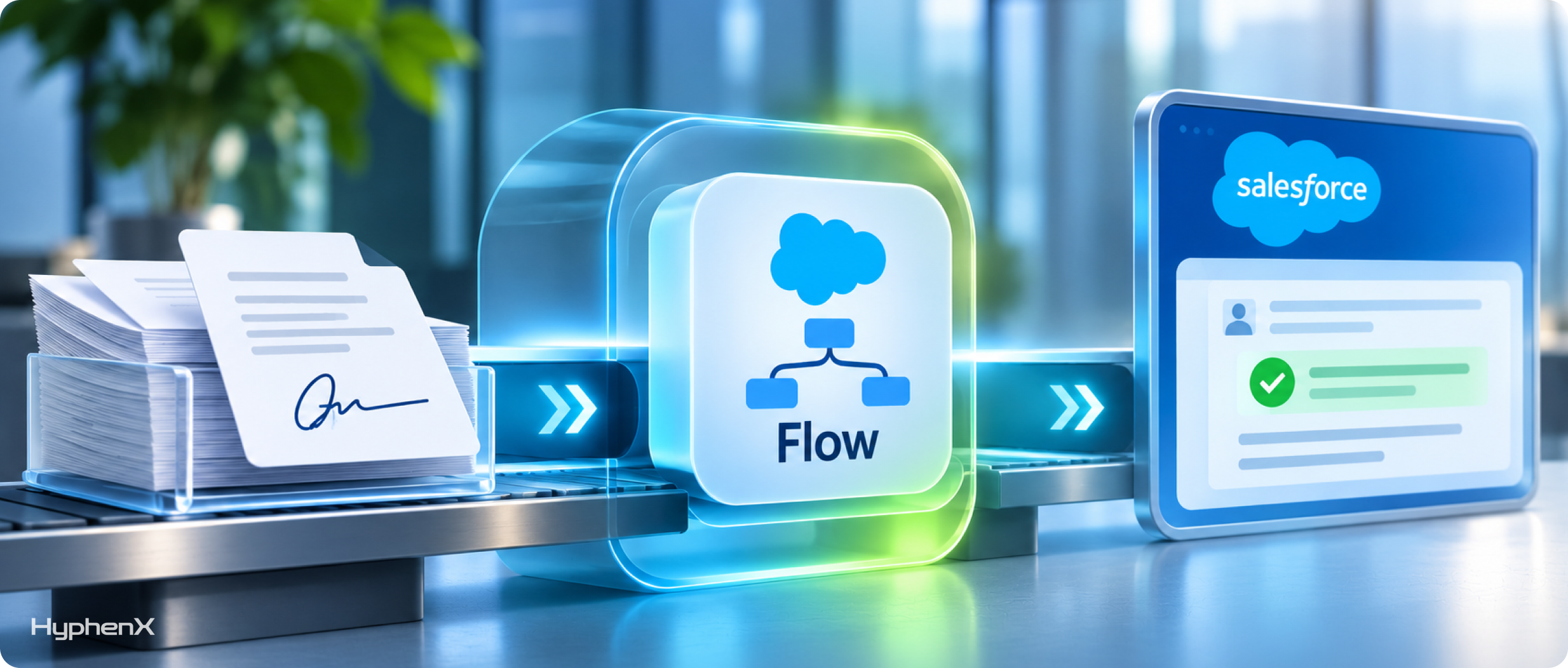
The most useful automation is usually 2 flows.
Send on stage change. A record-triggered flow on the opportunity sends a Send Now envelope when the stage reaches “Contract sent,” with the contract signer taken from the opportunity contact role.
Act on completion. A record-triggered flow on the DocuSign status record checks for “Completed,” then updates the opportunity: stage to Closed Won, contract signed date to today, and a task for finance to raise the first invoice. If the status is “Declined,” it creates a task for the account owner instead.
That second flow is where the time savings are. Our Salesforce workflow examples by department shows similar hand-offs for finance and operations.
Respect DocuSign’s API limits
This matters most for custom builds and high-volume sending. DocuSign’s API rules and limits set a default of 3,000 API calls per hour per account, with a 30-second burst limit of 500 calls in production.
Polling is the bigger trap. DocuSign limits status checks on a single envelope to once every 15 minutes and recommends 20-minute intervals. Its recommended alternative is DocuSign Connect webhooks, which push status changes to you.
We’ve seen a custom Apex job poll every open envelope every 5 minutes. It worked fine with 50 envelopes and broke DocuSign’s polling rules at 500. Use the managed package’s status updates or Connect, and don’t poll.
A worked example: renewals at a subscription business
Picture a company sending about 400 renewal contracts a month from Salesforce, each a standard order form.
We’d build:
- A Gen template that creates the order form from the renewal opportunity and its products
- A Quick Send envelope template, so reps can’t edit approved terms
- A flow that sends automatically 45 days before the renewal date if the opportunity is in “Renewal confirmed”
- A completion flow that closes the opportunity, stamps the signed date and notifies finance
- A reminder sequence in DocuSign at 3 and 7 days, and a task for the account manager if the envelope is still unsigned after 10 days
The before-and-after to measure: average days from verbal yes to signed contract, and the share of renewals signed before the old contract expires. Set your own baseline first.
If you’re on CPQ or Revenue Cloud, signing is the last step of quote-to-cash. Our post on fixing a broken quote-to-cash process covers the steps before it, and our Revenue Cloud services page explains how we connect them.
Mistakes to avoid
One template per salesperson. Templates multiply when everyone saves a copy. Keep 1 approved template per document type and control who can edit.
Recipients typed by hand. If a rep types the signer’s email, it’ll be wrong eventually. Pull recipients from contact roles or required fields.
Signed PDFs stored twice. Save the signed document to the record once, and don’t also email it to a shared inbox that someone uploads again.
No owner for failed sends. Bounced emails and declined envelopes need someone watching. Route them to a queue.
For the wider picture of what to connect to Salesforce, our list of the 15 most common Salesforce integrations is a useful next read, and our case studies show the kind of manual steps these integrations remove.
Frequently asked questions
Is DocuSign for Salesforce free?
The DocuSign Apps Launcher package is free to install from AppExchange, but you need a paid DocuSign plan to send envelopes, and Gen and Negotiate have their own licensing. Check with DocuSign which plan includes the features you need, such as bulk send or API access, before you design automation around them.
What is DocuSign Apps Launcher?
DocuSign Apps Launcher is DocuSign’s current managed package for Salesforce. It includes 3 apps: eSignature for Salesforce for sending and tracking envelopes, Gen for Salesforce for generating documents from templates, and Negotiate for Salesforce for redlining and approvals. Orgs on the older eSignature for Salesforce app should plan a move before building new automation.
Can Salesforce Flow send DocuSign envelopes automatically?
Yes. With the Apps Launcher package, a record-triggered or scheduled flow can send an envelope using a Send Now template, with recipients and merge data taken from the record. A second flow on the DocuSign status record can then update Salesforce when the envelope is completed, declined or voided.
What are DocuSign’s API limits?
DocuSign’s developer documentation sets a default of 3,000 API calls per hour per account, with a 30-second burst limit of 500 calls in production. Status polling for a single envelope is limited to once every 15 minutes. DocuSign recommends its Connect webhooks instead of polling, which is also what keeps high-volume integrations inside the limits.
Get contracts signed faster
HyphenX sets up DocuSign in Salesforce, from Apps Launcher migrations to Flow-driven sending and writeback, so signed contracts update your records without anyone retyping a thing. Talk to our Salesforce integration services team.