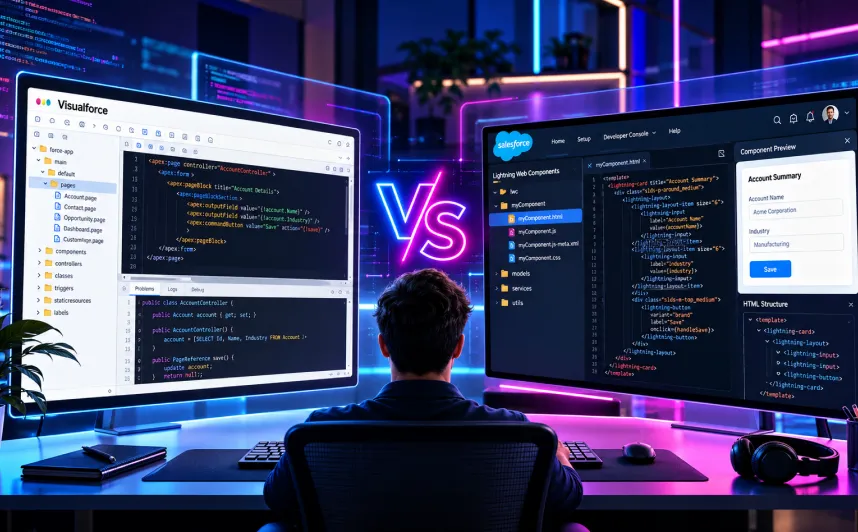

A team lead gets a requisition for a “Visualforce developer, 5 years of experience” and wonders whether the hire still makes sense in 2026, since Salesforce recommends Lightning Web Components (LWC) for new custom functionality. Hire only Visualforce skills and new Lightning Experience builds have no owner. Hire only LWC skills and the PDF templates, email templates and pages already in your org may have no one who can maintain them.
Our short answer is yes, for specific work, and we recommend pairing that Visualforce skill with LWC skill. That work is PDF output, Visualforce email templates, Salesforce Classic users and Experience Builder pages. New Lightning Experience screens go to LWC. Salesforce’s Pages developer guide carries no deprecation statement for Visualforce, and the Winter ’27 release notes still list a Visualforce change. That leaves hiring managers a practical question: which of your pages and templates need Visualforce knowledge, and which new work belongs to LWC or Aura in the LWC vs Aura vs Visualforce mix? A wrong guess costs real time, such as a PDF template that breaks with no one who knows the engine’s limits, or a new Lightning Experience screen that waits on a developer who has never built a component.
HyphenX Solutions, a Salesforce consulting company, wrote this for hiring managers and CTOs deciding between Visualforce and LWC hires. Salesforce gives no developer rates or migration timelines, so this guide gives none either.
TL;DR: Hiring Visualforce Developers in 2026
Salesforce’s position. Salesforce recommends LWC for new custom functionality, its Pages developer guide carries no deprecation statement for Visualforce, and the Winter ’27 release notes list a Visualforce change.
Where Visualforce still needs an owner. PDF output, Visualforce email templates, Salesforce Classic users and Experience Builder pages.
Where LWC leads. New Lightning Experience screens. Aura components already in your org still need someone who can read them.
Our recommendation. Hire for the work, and treat a developer who can do both Visualforce and LWC as the lowest-risk single hire for a small team.
In our view, the quickest way to see which hire you need is to test your Visualforce pages in Lightning Experience and list the ones that produce PDFs or email templates.
Is Visualforce Deprecated? What Salesforce Says in 2026
Recommendation. Salesforce’s Pages developer guide says, “We recommend using Lightning Web Components over Visualforce to build custom functionality.” The page contains no deprecation or retirement statement.
Availability. The Pages guide introduction says Visualforce “is available for desktop browsers and in the Salesforce mobile app,” and on desktop it is available in both Lightning Experience and Salesforce Classic. It names 1 unsupported environment, Lightning Experience on iPad Safari.
Spring ’26. The Spring ’26 developer blog says Salesforce moved Blob.toPdf() onto the same rendering engine that Visualforce PDFs use. The change started in Spring ’26 and was enforced in Summer ’26, and Salesforce warns that PDFs relying on the old serif default font may show different line breaks and character spacing.
Winter ’27. The Winter ’27 Visualforce release notes list 1 Visualforce item, “Render Visualforce Pages as Accessible (Tagged) PDFs (Beta) (Release Update),” which produces tagged PDF/UA output for pages that use renderAs=”pdf”. The Visualforce content in those notes carries no retirement statement.
The Pages developer guide recommends LWC for new custom work, and neither it nor the Winter ’27 Visualforce release notes gives a deprecation notice. We checked both on October 15, 2026, so check them again before you approve a hiring plan. Our reading is that Visualforce work is still supported and still changing, while Salesforce expects new custom UI to be built in LWC.
Visualforce vs LWC: Side-by-Side Comparison
This table compares Visualforce vs Lightning Web Components on the points a hiring decision turns on. Each cell comes from Salesforce documentation, except cells marked “our view” or “found,” which give our reading.
Area | Visualforce | LWC |
|---|---|---|
Where it runs | Desktop browsers and the Salesforce mobile app, in Lightning Experience and Salesforce Classic | Lightning Experience, as documented in the Lightning Web Components introduction |
Salesforce position | No deprecation statement in the Pages developer guide, which recommends LWC for new custom functionality | Recommended for new work, and preferred over Aura when you have a choice |
Data access | Apex controllers and extensions, plus JavaScript remoting for calls from the page | Lightning Data Service, wire adapters and Apex methods marked @AuraEnabled |
PDF output | renderAs=”pdf” generates a PDF from a page | No LWC-specific PDF feature found in Salesforce’s documentation, though Apex can call Blob.toPdf() |
Email templates | Visualforce email templates, available in Classic and Lightning Experience | No LWC email template format found in Salesforce’s documentation |
Typical skills (our view) | Visualforce markup and Apex | JavaScript, HTML templates, CSS and Apex |
Interoperability | Can host an LWC through a Lightning Out (beta) app | Runs inside a Visualforce page that way, and coexists with Aura on a page |
In our view, PDF output and email templates are the rows that decide most hires. Where a cell says no feature was found, a feature may exist, so check Salesforce’s pages before you rely on that row.
Where Visualforce Still Earns Its Place
PDF Output
- Visualforce generates a PDF from any page that uses renderAs=”pdf”. Salesforce’s PDF considerations page lists limits including no JavaScript-rendered content, no web fonts, no support in the Salesforce mobile app, PDF version 1.4 with CSS up to 2.1, and size caps of 15 MB for the response, 60 MB for the file and 30 MB for all images combined.
- Salesforce documents 2 entry points for PDF output, renderAs=”pdf” on a Visualforce page and Blob.toPdf() in Apex. Both use the same rendering engine and we found no LWC-specific PDF feature, so PDF work needs someone who knows that engine’s limits.
Email Templates
- Visualforce email templates are available in both Salesforce Classic and Lightning Experience. In Lightning Experience, Salesforce says the Visualforce template is read-only.
- Templates that merge data from related records need someone who can read the markup, and edit it where Salesforce allows, for as long as the templates stay in use.
Salesforce Classic Orgs
- Visualforce runs in Salesforce Classic and in Lightning Experience, while the Lightning Web Components introduction lists Lightning Experience as where LWC is available.
- Salesforce says its Classic interface “isn’t going away yet” and that all new innovation is available in Lightning Experience only, so in our reading Visualforce is the option for custom pages that Classic users open. Confirm in a sandbox what your Classic users see before you rely on either technology.
Experience Builder Pages
- Experience Builder has a Visualforce Page component, and a Visualforce page placed there uses the default theme layout of the Experience Builder site, so existing Visualforce pages there need someone who can maintain them.
- In Experience Builder sites, Salesforce doesn’t support Visualforce overrides of standard actions such as View, New, Edit and Delete, or Visualforce pages embedded in standard page layouts.
List the pages in these 4 areas first, then assign an owner to each. A page that fits none of the 4 areas gets tested in Lightning Experience first. Changes to existing pages are Salesforce customization work.
Where LWC Is the Default for New Builds
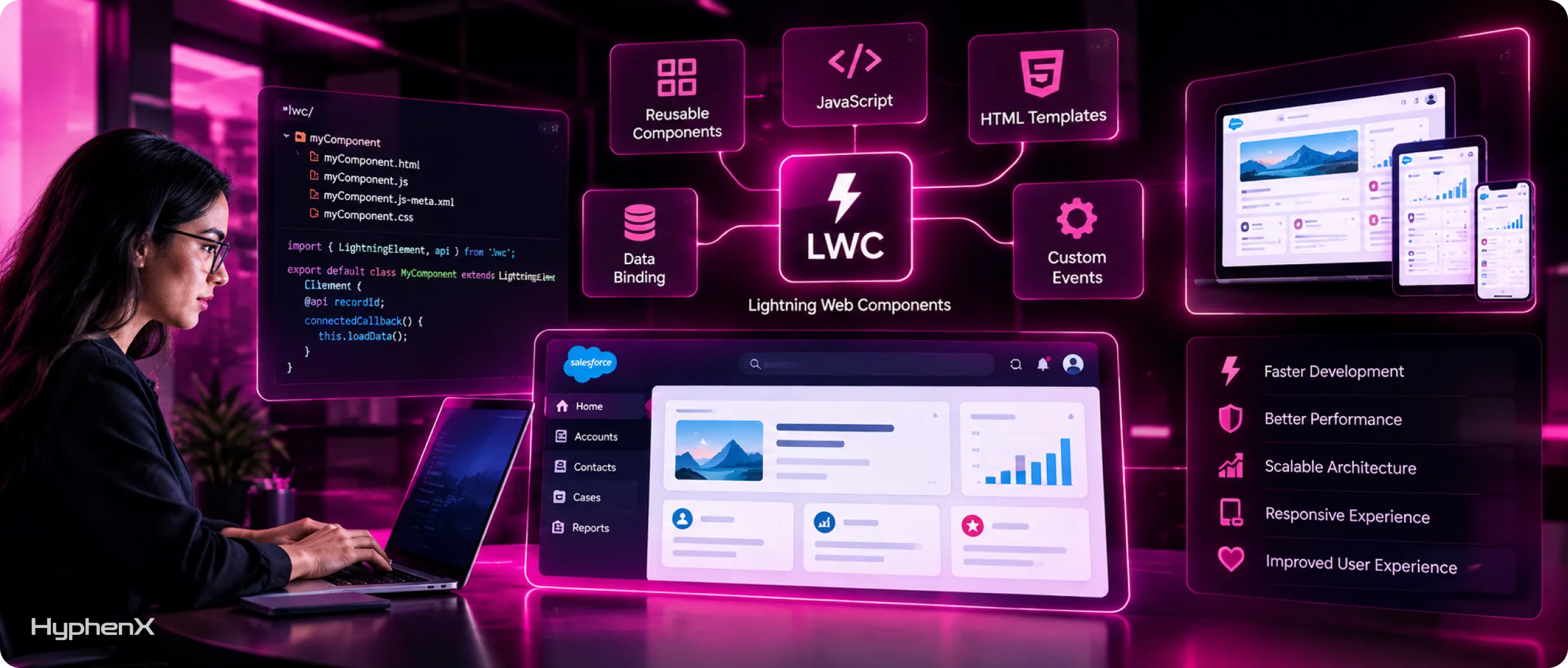
Salesforce’s recommendation. The Trailhead migration trail calls Lightning Web Components “the preferred way to build UI with Salesforce.”
The Aura rule. The Lightning Web Components introduction says, “When you have a choice between LWC and Aura, choose LWC,” and adds that the 2 “can coexist and interoperate on a page.” That page gives no Aura end date, and Salesforce’s guidance on choosing between them says LWC doesn’t yet support everything Aura does.
Aura inside Visualforce. Salesforce’s Aura developer guide says, “If a Visualforce page contains an Aura component, you can’t render the Visualforce page as a PDF.” PDF work on a mixed estate of Aura and Visualforce needs someone who knows that restriction.
In our view, new Lightning Experience builds need an LWC developer, and a Visualforce-only candidate would need to learn the framework first. Aura components already in your org still need maintenance, so an org with a large Aura estate needs someone who can read Aura.
How Visualforce and LWC Work Together
Embedding an LWC in a Visualforce page takes 3 steps, and the steps need Aura knowledge.
- Add the library. Put <apex:includeLightning/> at the beginning of the Visualforce page. It loads the JavaScript that Lightning components need.
- Create a Lightning Out (beta) app. Salesforce describes it as “a special type of standalone Aura app.” Make it globally accessible, extend ltng:outApp and add an aura:dependency tag for every Lightning Web Component the page uses.
- Create the component. Call $Lightning.use() for the app, then add the top-level component with $Lightning.createComponent(). A page can call $Lightning.use() more than once, but every call must reference the same app.
Salesforce’s guide to using LWC in Visualforce sets 3 conditions. The Lightning Out (beta) app must exist in the same org as the page, users must allow third-party cookies because the components and the page are served from different domains, and an org with no namespace defined must use the default namespace. In our view the bridge suits pages replaced one piece at a time. Test each condition in a sandbox before any page ships, and include a Classic user if you have them, because the guide doesn’t say whether Classic users can see the result.
Security and Limits That Change the Decision
Topic | Visualforce | LWC |
|---|---|---|
XSS protection | Visualforce escapes XSS-vulnerable characters by default in nearly all tags. Setting escape=”false” or writing your own JavaScript removes that protection. | Components run under Lightning Web Security, or under Lightning Locker in orgs still using it. |
Lightning Web Security and Locker coverage | A Lightning Web Security FAQ dated January 30, 2025 says, “Salesforce Tabs + Visualforce sites aren’t protected by LWS or Lightning Locker.” | LWS is the default for orgs created in Winter ’23 and later, and Locker applies in orgs that haven’t enabled LWS. |
Remote actions | JavaScript remoting calls @RemoteAction methods. Salesforce’s Apex guide warns, “Anyone who can view the page can execute all @RemoteAction methods,” in any controller or extension added to the page. | Components call Apex methods marked @AuraEnabled. @wire calls need cacheable=true, and methods that change data aren’t cacheable, so components call them imperatively. |
View state | 170 KB maximum per page. | Not applicable, since view state is a Visualforce feature. |
Request and query limits | JavaScript remoting requests max out at 4 MB, with a 30-second default timeout and a 120-second maximum. A page request can retrieve 50,000 query rows, or 1,000,000 in read-only mode, and StandardSetController handles up to 10,000 records. | Apex limits apply to the Apex a component calls. |
The table makes 2 points that change hiring decisions. First, Salesforce Tabs + Visualforce sites get no LWS or Locker coverage, so they depend on default escaping and on whoever writes custom JavaScript or sets escape=”false”. The one documented exception is a Visualforce page that uses Lightning Out (beta) in an Experience Cloud site, where Salesforce says Locker is active. Second, some limits apply only to Visualforce, such as the 170 KB view state limit, so a large form-heavy page needs a developer who knows how to reduce what it stores.
In our view, a Visualforce security review and an LWC security review are different jobs, so list the Visualforce knowledge in the job post for any role that owns Visualforce pages. A Visualforce review centers on page markup and controllers, while an LWC review centers on JavaScript and the Apex methods a component calls.
What a Visualforce Developer Already Knows About LWC
The lists below are our view of which skills carry over and which are new, not Salesforce documentation. They help a manager judge how much support a new LWC project would need.
What Carries Over
- Apex and SOQL. Server logic stays in Apex, and Apex limits apply to both UI layers, so a Visualforce developer’s governor limit knowledge applies to both.
- The data model and permissions. Objects, fields, permissions and sharing come from the platform, whichever UI layer displays them, so a developer who has debugged access problems on Visualforce pages can apply that experience to LWC.
- Controller-style thinking. A Visualforce controller method usually has an @AuraEnabled Apex equivalent that a component calls, so the habit of keeping logic on the server carries over.
What Is New
- JavaScript and web standards. Lightning Web Components are written in JavaScript, HTML and CSS, and a developer who touched JavaScript only lightly in Visualforce has the largest gap here.
- Component events and lifecycle. Components communicate through events and run code at defined lifecycle points, which differs from the page-and-controller model.
- Wire and Lightning Data Service. Reading data through @wire adapters and Lightning Data Service can replace controller code Visualforce needed. Salesforce’s data guidelines say to start with base components built on Lightning Data Service, then its wire adapters, and to use Apex when those don’t fit.
Salesforce publishes a path for this move. Its Migrate from Visualforce to Lightning Web Components trail has 5 steps, including “Lightning Web Components for Visualforce Developers” and a quick start on the Visualforce to LWC sample app, and Salesforce gives no ramp-up estimate, so set expectations from a small test project. In our view a Visualforce developer with solid Apex is a viable LWC hire, and JavaScript is the skill to test first. HyphenX offers Salesforce training for teams with a JavaScript gap.
Should You Hire Visualforce Developers? A Decision Framework
The table below is HyphenX’s recommendation and carries no Salesforce endorsement, so treat it as a starting point for your own situation. The Why column cites Salesforce documentation where it says so, and the Hire for column is our recommendation throughout.
Your situation | Hire for | Why |
|---|---|---|
New custom screens or apps in Lightning Experience | An LWC developer | Salesforce recommends LWC over Visualforce for new custom functionality. |
A large Visualforce estate that works in Lightning Experience | A developer who knows Visualforce and can write LWC | Salesforce says most pages work as-is, so in our view the work is upkeep and selective rework. |
PDF output or Visualforce email templates | Visualforce skill, with LWC for new builds | These run on the Visualforce PDF engine and template format, which Salesforce documents for both. |
Users who still work in Salesforce Classic | Visualforce skill, with LWC for new builds | Our recommendation: Salesforce documents Visualforce in Classic and names only Lightning Experience for LWC, so confirm in a sandbox what your Classic users see. |
Aura components alongside Visualforce | An LWC developer who can read Aura | Salesforce says LWC doesn’t yet support everything Aura does, so a mixed estate needs someone who can read Aura. |
A Visualforce to LWC migration | A cross-skilled developer | Salesforce provides a migration trail and sample app for this path and advises moving pages that need significant refactoring to a Lightning component. |
A small team with a single developer slot | 1 developer who covers both | Our recommendation: with 1 slot, hire the candidate who can cover both skills. |
When 2 rows apply to your team at once, our rule of thumb is to hire for the row with the most users and use the deadline to break ties. If the gap is one missing skill, Salesforce staff augmentation fills it, and if the gap is long term, a Salesforce developer hire fits better. In our view a candidate who can do both is the lowest-risk single hire.
Interview and Job Post Checklist for 2026
Use these 8 questions in a technical interview for any role that touches Visualforce. Of these, 6 have a good answer drawn from Salesforce documentation, and for Technology choice and Migration order the reference answers are our recommendation.
☐Testing. Ask how they test a Visualforce page in Lightning Experience. A good answer opens it through Lightning navigation with a profile that uses the page, since Salesforce’s Trailhead module on Visualforce in Lightning Experience says pages viewed by direct URL access always display in Salesforce Classic.
☐PDF limits. Ask what breaks in a renderAs=”pdf” page. A good answer names JavaScript-rendered content and web fonts.
☐Data calls. Ask when to use @wire and when to call Apex imperatively. A good answer puts reads on @wire with cacheable=true and data changes on imperative calls.
☐Escaping. Ask what escape=”false” risks. A good answer says it turns off default XSS escaping for that output, so the developer must protect the output another way.
☐Security layers. Ask whether Lightning Web Security or Lightning Locker protects a Salesforce Tabs + Visualforce site. A good answer is that neither covers it, apart from the documented Lightning Out (beta) exception, so review relies on default escaping.
☐Technology choice. Give a requirement and ask whether they would build it in LWC, Aura or Visualforce, and why. A good answer ties the choice to the requirement: PDF or email template work to Visualforce, new Lightning Experience screens to LWC, existing components to Aura.
☐Limits. Ask what they do when a page nears the 170 KB view state limit. A good answer names the limit and a plan to shrink what the page stores.
☐Migration order. Ask how they would move a set of pages to LWC. A good answer starts with an inventory, tests each page in Lightning Experience and reworks only the pages that need it (our recommendation).
For the job post, list Visualforce and LWC as separate skills and name credentials by their current titles, Salesforce Certified Platform Developer and Salesforce Certified Platform Developer II. List the work, such as PDF templates, email templates, Classic pages, Experience Builder pages and Lightning components, because a fixed count of years in Visualforce doesn’t show whether a candidate has done PDF or email template work (our view). Add the PDF and email template work only if your org has it.
Maintain, Migrate or Rebuild: Triage for Your Visualforce Pages
Triage answers 1 question for every page: maintain it, migrate it or rebuild it. Maintaining means testing and fixing a page where it is, migrating means keeping a page’s logic and rewriting its UI in LWC, and rebuilding means writing a new component from the requirements. The steps below run in order, and each page leaves the process with a written decision. Review the decisions each release, because Salesforce changes Visualforce items such as PDF rendering between releases.
- Inventory every page. List each Visualforce page, controller, email template and PDF page, with the profiles and permission sets that use it. The inventory sets the size of every later step, and recording each decision next to its page shows later readers why it was made.
- Set aside PDF and email template pages. Salesforce documents Visualforce for both, so we recommend keeping working pages of these types on Visualforce, with PDF pages retested after the Spring ’26 rendering change.
- Test each remaining page in Lightning Experience first. Salesforce’s Visualforce in Lightning Experience overview says, “Always test your Visualforce page in Lightning Experience first,” and that “most work as-is.” Open pages through Lightning navigation and record pass or fail.
- Sort the results into 3 groups. Pages that work stay as they are, pages that need small changes get a tweak (both maintain), and pages that need significant refactoring move to a Lightning component, which matches Salesforce’s own advice: “If a Visualforce page requires significant refactoring, move it to a Lightning component.” Migrate a page when its logic stays and rebuild it when the logic is also being replaced (our recommendation).
- Order the work and assign owners. Fix the pages that fail testing first, then the pages with the most users (our recommendation). Use the Trailhead trail and sample app described in the skills section above to train the team, and review the list each release.
We found no official automated converter in Salesforce documentation, so each page needs a person to decide how to move it. Rework that needs new code is Salesforce development work, and a multi-page move is the kind of project Salesforce migration services cover.
What Drives the Cost of Each Path
The 8 drivers below apply in different degrees to maintaining, migrating and rebuilding, and we don’t rank them because the weight depends on your org. Use the third column to get each count.
Driver | Why it adds work | Where to count it |
|---|---|---|
Visualforce pages and controllers | Each page needs a test, and each controller needs a read | Setup, Visualforce Pages and Apex Classes |
PDF and email template pages | Fonts and CSS need testing page by page | Search page markup for renderAs, and list Visualforce templates in Setup |
Classic users | Pages they open must keep working in Classic | Lightning Usage App report on how often users switch to Classic |
Packages with Visualforce pages | The page code may sit outside your control | Installed Packages in Setup |
Aura components | Each needs reading, and migration is a separate decision | Lightning Components in Setup |
Apex test coverage | Rework needs tests that pass | Run tests in Application Test Execution in Setup |
Team ramp-up | Developers new to JavaScript need time on the trail | A skills list for each developer |
Sandbox testing time | Each page needs testing for each profile that uses it | Pages multiplied by profiles in your inventory |
We found no published developer rates or migration cost figures from Salesforce, so we give none. Count each driver above in your own org, price maintaining, migrating and rebuilding from those counts and compare the 3 paths line by line. Run the counts before you request quotes, so every vendor or candidate prices the same scope. For a wider project, HyphenX’s guide to Salesforce implementation timelines covers larger Salesforce projects, and ongoing upkeep is handled through managed services.
What Salesforce’s Own Credentials Expect
Platform Developer. The Platform Developer exam guide covers 60 scored questions plus up to 5 unscored ones, with a passing score of 68%. It is matched to the Summer ’25 release, and we read it on October 15, 2026. It weights Developer Fundamentals at 27%, Process Automation and Logic at 28%, User Interface at 25% and Testing, Debugging, and Deployment at 20%. A User Interface objective names “Lightning components, Flow, and Visualforce,” and another asks candidates to “Describe the use cases and best practices for Lightning Web Components.” No User Interface objective names Aura.
Platform Developer II. This guide is matched to the Winter ’24 release, sets a 70% passing score and weights Advanced Developer Fundamentals at 15%, Process Automation, Logic, and Integration at 27%, Testing, Debugging, and Deployment at 20%, Performance at 18% and User Interface at 20%. Its objectives include selecting the appropriate LWC, Aura Component or Visualforce solution for a requirement. Check both guides again before you publish a job post, because Salesforce ties each one to a release.
Our reading is that Salesforce expects a developer to know both technologies and to judge when each fits: the Platform Developer objectives name both Visualforce and LWC, and Platform Developer II adds the choice between them. A credential doesn’t prove skill on your own pages, so use it as a first screen and then run the interview checklist.
Developers Who Work in Both Visualforce and LWC
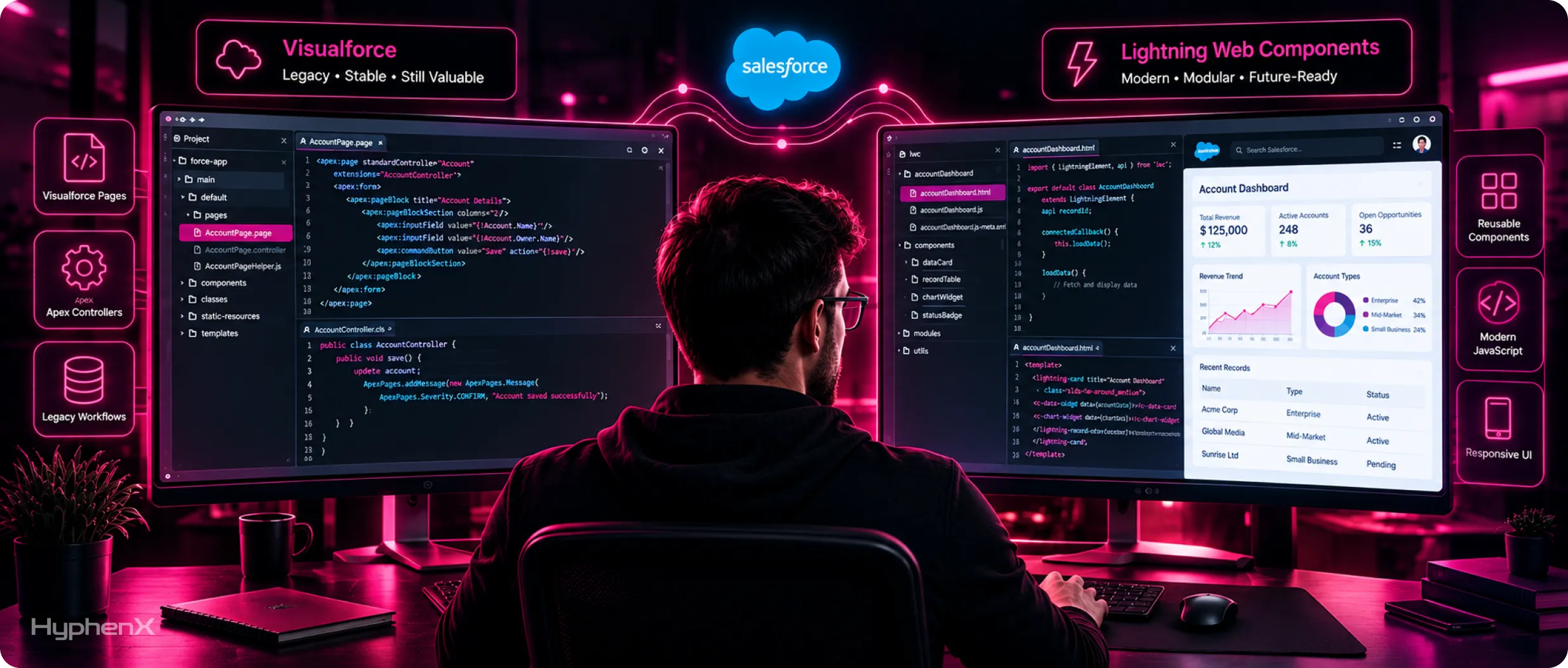
Keeping a Visualforce page, rebuilding it in LWC or running both takes people who know where each one still earns its place. HyphenX Solutions has 250+ Salesforce professionals, including developers who maintain Classic-era pages and ship Lightning Web Components in the same sprint. The person who reviews your pages can also rebuild them, so nothing gets lost in a handoff. Meet the developers behind our work.
Case Study: Custom Salesforce Buttons Built Around One Workflow
From Swivel-Chair Prospecting to Single-Click Pipeline
A B2B SaaS company ran 3 prospecting tools, Apollo, Lusha and Hunter, and none of them connected to Salesforce, so reps searched, copied, pasted and deduplicated records by hand. HyphenX added buttons on Lead, Contact and Account records and on list views that identify and insert a prospect in 1 click, with real-time deduplication, source attribution and a Hunter email-verification gate before any record is written. The case study lists the result as 3 tools behind 1 Salesforce action and reps no longer switching tabs, with no measured before-and-after figures.
Key takeaway: The case study describes custom Salesforce buttons built around 1 workflow, and it doesn’t name the framework used, so it supports neither hiring choice.
Read the full case study: From Swivel-Chair Prospecting to Single-Click Pipeline
Frequently Asked Questions
Is Visualforce deprecated?
Not according to Salesforce’s documentation. The Pages developer guide recommends Lightning Web Components for new custom work but contains no deprecation statement. The Winter ’27 release notes also list a Visualforce change, tagged PDF rendering in beta. This answer is dated October 15, 2026, so re-check Salesforce’s pages before deciding.
Is Visualforce still relevant in 2026?
Yes, for defined work. Visualforce runs in Lightning Experience and Salesforce Classic, generates PDFs through renderAs, and is the format for Visualforce email templates. New custom screens in Lightning Experience should use LWC, which Salesforce recommends for new custom functionality.
Should I hire a Visualforce or an LWC developer?
Hire for the work. New Lightning Experience screens call for an LWC developer, while PDFs, Visualforce email templates, Classic users, Experience Builder pages and a large existing estate call for Visualforce skill. In our view, a developer who can do both is the lowest-risk single hire for a small team.
Can a Visualforce developer learn LWC?
Yes. Apex and the data model carry over, while JavaScript, component events and wire adapters are new. Salesforce’s Trailhead trail has 5 steps, including “Lightning Web Components for Visualforce Developers,” and Salesforce gives no ramp-up time, so test with a small project.
How long does a Visualforce to LWC migration take?
Salesforce publishes no standard duration. The time depends on page count, PDF and email template dependencies, Aura components, test coverage and developer ramp-up. Count those drivers in your own org, test a few pages and set the plan from the results.
Can LWC replace Visualforce for PDFs?
Partly. Apex can generate a PDF through Blob.toPdf(), which uses the same engine as Visualforce PDFs, but we found no LWC-specific PDF feature. Our recommendation: keep your existing renderAs pages on Visualforce and hire for knowledge of that engine’s limits.
Can I use an LWC inside a Visualforce page?
Yes. Add apex:includeLightning, create a Lightning Out (beta) app with an aura:dependency for each component, and call $Lightning.createComponent(). The app must exist in the same org as the page, and users must allow third-party cookies in their browsers, so test the page in a sandbox first.
Do Visualforce pages work in Lightning Experience?
Most do. Salesforce says to test each page in Lightning Experience first because most work as-is, and to move a page to a Lightning component when it needs significant refactoring. Visualforce pages and custom iframes aren’t supported in Lightning Experience on iPad Safari.
Is Aura deprecated?
Salesforce’s LWC introduction gives no Aura deprecation or end date. It says to choose LWC when you have a choice between the 2, and that Aura and LWC coexist and interoperate on a page. Salesforce’s guidance on choosing between them notes that LWC doesn’t yet support everything Aura does.
Should I migrate every Visualforce page to LWC?
No. Salesforce says most pages work as-is in Lightning Experience, and pages needing significant refactoring should move to a Lightning component. Our recommendation: keep PDF and email template pages on Visualforce, and rework the pages that fail testing or carry the most users first.
Does Visualforce work in Salesforce Classic?
Yes. Salesforce’s Pages guide says Visualforce is available in both Lightning Experience and Salesforce Classic. Salesforce documents LWC as available in Lightning Experience, so Visualforce stays the documented route for the custom pages that Classic users open, and orgs with those users should keep the skill on the team.
Do Lightning Web Security and Locker protect Visualforce?
For Salesforce Tabs + Visualforce sites, no: Salesforce says LWS and Locker don’t protect them, except Lightning Out (beta) in Experience Cloud, per an FAQ dated January 30, 2025. Visualforce escapes XSS-vulnerable characters by default, but escape=”false” and custom JavaScript remove that protection, so review needs someone who knows them.
Do Visualforce email templates work in Lightning Experience?
Yes. Visualforce email templates are available in both Salesforce Classic and Lightning Experience. In Lightning Experience, Salesforce says the Visualforce template is read-only. Teams with many templates still need someone who can read the markup and knows which edits Salesforce allows.
What should a 2026 Visualforce developer job post list?
List Visualforce and LWC as separate skills, plus the real work: PDF templates, email templates, Classic pages and Lightning components. Name credentials by their current titles, Salesforce Certified Platform Developer and Salesforce Certified Platform Developer II, and skip a fixed number of years in Visualforce.
What should I ask in a Visualforce developer interview?
Ask how they test pages in Lightning Experience, what limits apply to renderAs PDFs, when to use wire versus imperative calls, what escape=”false” risks and how they would choose between LWC, Aura and Visualforce. The checklist section lists 8 questions with good answers.